
Table of Contents
ToggleComprehensive Introduction
Laundry day should be a simple, routine chore. But when your Samsung washer suddenly flashes the dreaded LC error code, everything comes to a screeching halt. The machine beeps, refuses to start, and leaves you staring at a display that seems to speak a language only appliance repair technicians understand.
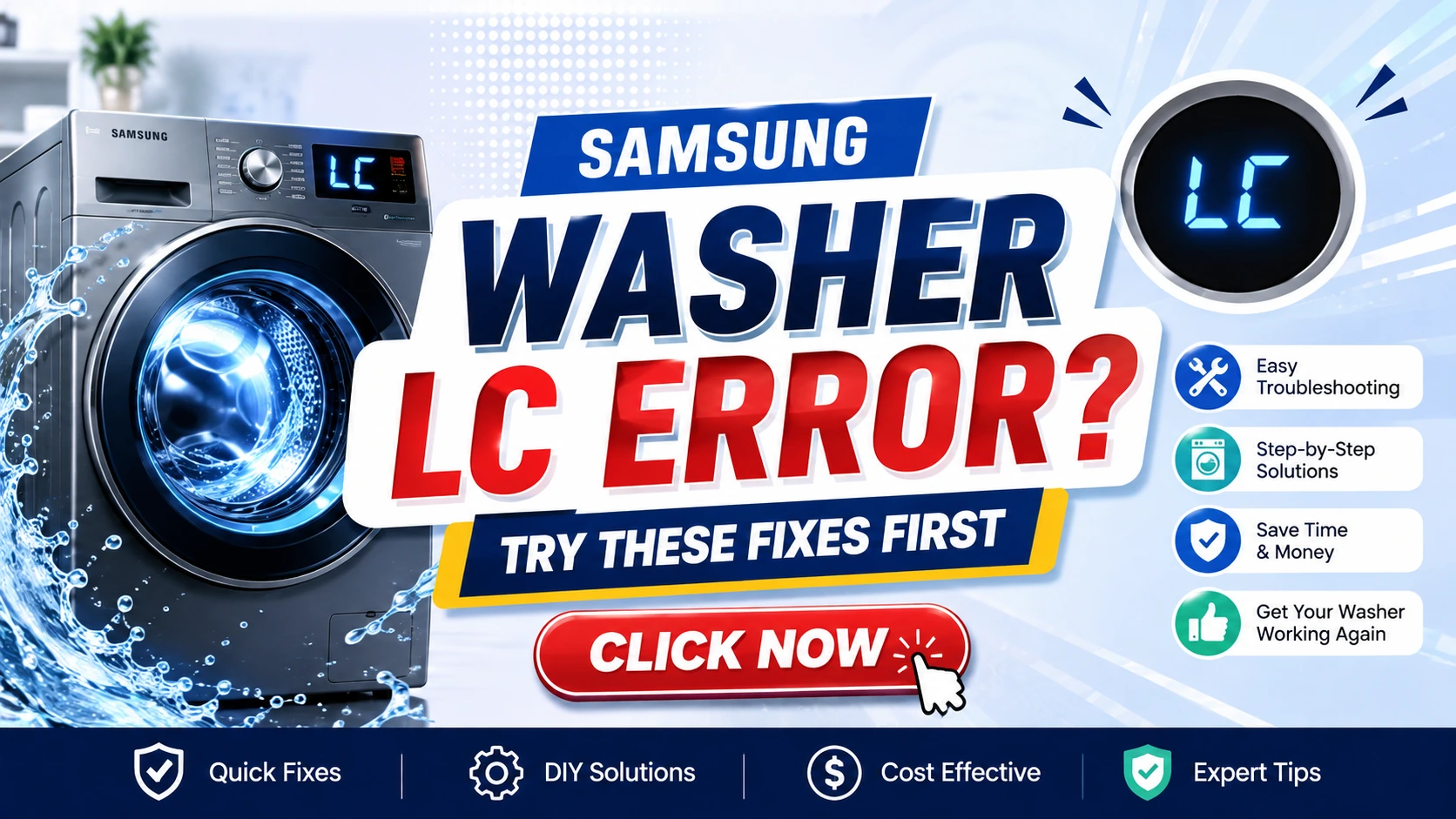
The Samsung washer LC error is one of the most common and frustrating issues homeowners face with their washing machines. It typically indicates a leak detection or drainage problem that triggers the machine’s safety mechanisms. While the error code itself is straightforward—LC stands for “Leak Check” or “Low Current” depending on your model—the underlying causes can range from minor, easily fixable issues to more complex mechanical failures.
Understanding the Samsung LC Error Code
The LC error code on Samsung washing machines serves as the appliance’s built-in protection system. It’s designed to prevent water damage, electrical shorts, and potential flooding in your home. When the washer’s internal sensors detect abnormal water presence, unusual drainage patterns, or electrical inconsistencies, the system halts operation and displays the LC code to alert you.
Most Samsung front-load and top-load washer models manufactured after 2010 use this standardized error code system. The LC error can manifest in several ways:
- The display shows “LC” or “LE” (depending on the specific model)
- The machine beeps repeatedly and refuses to start a cycle
- The washer stops mid-cycle and displays the error
- Water may be visible pooling at the base of the machine
Expert Tip: Different Samsung models interpret the LC error slightly differently. In top-loading models, LC often points directly to leak detection, while front-loading models may also associate this code with motor current issues. Always consult your specific model’s manual for exact diagnostics.
Quick Answer: How to Fix the LC Error
Before diving into detailed troubleshooting, here’s a quick actionable response to get your Samsung washer operational again:
- Unplug the washer from the power outlet for 5 minutes
- Plug it back in and wait for the system to reboot
- Run a test cycle to see if the error clears
- Check the drain filter for blockages
- Inspect the drain hose for kinks or clogs
- Verify no external leaks are present
If these basic steps don’t resolve the issue, proceed with the comprehensive troubleshooting guide below.
Step-by-Step Fixes for Samsung Washer LC Error
Fix 1: Perform a Master Reset
The master reset is your first and simplest troubleshooting step. This action clears temporary software glitches and resets the washer’s internal computer.
Steps:
- Turn off the washer completely
- Unplug it from the wall outlet
- Wait at least 5-10 minutes
- Press and hold the Start/Pause button for 5 seconds while the machine is unplugged
- Plug the washer back in
- Turn it on and test a cycle
Expert Tip: Some Samsung models have a specific reset sequence. For front-loaders, try pressing Power, then holding the Start button for 30 seconds while unplugged. For top-loaders, Power + Spin Speed + Temp buttons simultaneously often trigger a reset.
Fix 2: Check for External Leaks
Even a tiny drop of water can trigger the leak detection sensor. Thoroughly inspect the area around and under your Samsung washer.
What to look for:
- Water puddles beneath the machine
- Damp or wet flooring
- Water stains on walls behind the washer
- Condensation on water supply hoses
Expert Tip: Use a flashlight to inspect behind and underneath the machine. Check both the hot and cold water supply hoses for any signs of moisture or corrosion.
Fix 3: Inspect the Drain Hose
The drain hose is responsible for carrying wastewater away from the machine. A kinked, clogged, or incorrectly positioned hose can trigger the LC error.
Steps:
- Pull the washer away from the wall
- Locate the drain hose at the back of the machine
- Check for kinks, twists, or sharp bends
- Ensure the hose sits properly in the standpipe or drain
- Verify the hose isn’t submerged too deeply (should have an air gap)
- Look for clogs or obstructions
Expert Tip: The drain hose should be inserted no more than 6-8 inches into the drain pipe to prevent siphon issues. If the hose is too deep, it can cause improper drainage and error codes.
Fix 4: Clean the Drain Filter
A clogged drain filter is one of the most common causes of the LC error. Over time, lint, debris, coins, and fabric fibers accumulate in the filter, preventing proper drainage.
Steps to clean the drain filter:
- Locate the drain filter access panel (typically at the front bottom of the washer)
- Place a shallow pan or towel on the floor to catch water
- Open the panel and pull out the emergency drain hose
- Remove the filter cap (turn counterclockwise)
- Clean the filter thoroughly under running water
- Remove any debris or foreign objects
- Reinstall the filter, ensuring it’s tightened securely
- Run a rinse cycle to test
Fix 5: Check Water Inlet Valves
Water inlet valves control water flow into the machine. When they malfunction, the washer may detect improper water levels and trigger an LC error.
Inspection process:
- Turn off the water supply valves
- Disconnect the inlet hoses from the back of the washer
- Check the mesh screens inside the valve openings
- Remove any debris or mineral deposits
- Reconnect hoses and test
Expert Tip: Mineral buildup is particularly common in areas with hard water. Consider installing a water softener or using descaling agents periodically to prevent valve issues.
Fix 6: Inspect the Door Seal (Front-Loaders)
Front-load Samsung washers feature a rubber door seal that can trap moisture, detergent residue, and mold. A damaged or leaking seal often triggers LC errors.
What to inspect:
- Visible cracks or tears in the rubber seal
- Mold or mildew growth
- Debris trapped between the seal folds
- Water pooling at the bottom of the door
Cleaning steps:
- Wipe the seal with a damp cloth
- Remove debris from the folds
- Use a mild bleach solution to address mold
- Run a clean cycle with washing machine cleaner
Expert Tip: After each wash, leave the door slightly ajar for 30 minutes to allow the seal to air dry. This simple habit dramatically reduces moisture buildup and LC errors.
Fix 7: Check the Drain Pump
The drain pump is a critical component that expels water from the machine. If it’s faulty or obstructed, the LC error appears.
Signs of drain pump failure:
- Grinding noises during drain cycles
- Water not draining completely
- Extended cycle times
- Burning smell
Troubleshooting:
- Access the drain pump through the front access panel
- Remove any visible obstructions
- Turn the pump impeller manually to ensure it rotates freely
- Test the pump’s resistance with a multimeter (should read between 15-25 ohms)
- Check for continuity
Expert Tip: Never attempt to remove the drain pump while the machine is plugged in. Always unplug the appliance before accessing internal components.
Fix 8: Verify Water Pressure
Insufficient water pressure can cause improper filling and trigger leak detection sensors.
How to check pressure:
- Turn on the water supply valves fully
- Listen for water flow during the fill cycle
- Check the household water pressure (should be between 20-120 PSI)
- Ensure supply hoses aren’t kinked
- Verify the inlet screens aren’t clogged
Fix 9: Check the Pressure Switch
The pressure switch monitors water levels inside the washer. When it malfunctions, it can falsely detect leaks or improper drainage, resulting in an LC error.
How to test:
- Locate the pressure switch (usually at the top of the washer)
- Inspect the pressure hose for cracks or disconnections
- Test continuity with a multimeter
- Blow gently into the pressure hose to hear the switch click
Expert Tip: A malfunctioning pressure switch often causes intermittent LC errors that seem to resolve and reappear randomly. This symptom strongly indicates pressure switch failure.
Fix 10: Inspect the Main Control Board
The main control board is the “brain” of your Samsung washer. When it fails, it can generate error codes incorrectly.
Signs of control board issues:
- Multiple error codes appearing
- Washer operates erratically
- Display shows unusual characters
- Unresponsive buttons
Caution: Control board inspection and repair should only be performed by qualified professionals. The board handles high voltage and can cause serious injury if mishandled.
What Causes the LC Error on Samsung Washers?
Understanding the root causes helps prevent future occurrences and empowers you to make informed decisions about repairs.
Common Causes:
1. Clogged Drain Systems (25-30% of cases)
- Lint, hair, and debris accumulation
- Coins or small objects in the filter
- Built-up soap residue in hoses
2. Leak Detection Sensor Trigger (20-25% of cases)
- External water leaks from hoses
- Internal component seals wearing out
- Condensation from temperature changes
3. Electrical Issues (15-20% of cases)
- Voltage fluctuations
- Faulty wiring connections
- Worn-out components
4. Drain Pump Failure (10-15% of cases)
- Mechanical breakdown of pump motor
- Impeller stuck or damaged
- Electrical short in pump
5. Pressure Switch Problems (5-10% of cases)
- Worn-out diaphragm
- Blocked pressure hose
- Calibration drift
6. User Errors (5-10% of cases)
- Overloading the washer
- Using too much detergent
- Incorrect cycle selection
7. Water Supply Issues (3-5% of cases)
- Low water pressure
- Kinked supply hoses
- Frozen pipes in winter
Prevention Tips for Samsung Washer Users
Prevention is always better than repair. These tips will help you minimize LC errors and extend the life of your Samsung washer.
Monthly Maintenance
1. Clean the Drain Filter Monthly
- Access the drain pump filter
- Remove debris and wash thoroughly
- Check for small items (coins, buttons, hairpins)
2. Run an Empty Hot Cycle
- Use washing machine cleaner
- Set to the hottest water setting
- Run with no clothes
3. Wipe the Door Seal
- Clean rubber folds with a damp cloth
- Remove mold or mildew promptly
- Leave door open after cycles
Weekly Prevention
4. Check Hose Connections
- Tighten loose fittings
- Inspect for wear or cracks
- Replace hoses every 3-5 years
5. Balance Your Load
- Distribute clothes evenly
- Avoid overloading
- Follow the machine’s capacity guidelines
6. Use the Right Detergent
- Use HE (High Efficiency) detergent only
- Follow manufacturer dosage recommendations
- Avoid excessive suds
Long-Term Prevention
7. Install Surge Protection
- Use a dedicated surge protector
- Prevent electrical spikes
- Protect the main control board
8. Maintain Water Supply
- Check household water pressure
- Install a water softener if needed
- Clean inlet screens annually
9. Schedule Professional Maintenance
- Annual professional inspection
- Early detection of worn components
- Preventative replacement of aging parts
Real-Life Examples and Case Studies
Case Study 1: The Overloaded Washer Problem
Sarah, a mother of three in Chicago, kept encountering the LC error every few weeks. After multiple resets and repairs, we traced the issue to consistent overloading. The extra weight caused the door seal to flex excessively, allowing small amounts of water to seep out and trigger the leak sensor. Once she reduced her load sizes, the LC error disappeared completely.
Expert Quote: “Overloading is the silent killer of washing machines. It causes seals to weaken, motors to strain, and sensors to malfunction.” – Niaz Khan, Appliance Expert
Case Study 2: The Hidden Leak
Michael in Florida reported recurring LC errors despite no visible water. After thorough inspection, we discovered a pinhole leak in the cold water supply hose that sprayed water only when the washer filled. The leak was barely visible but enough to trigger the sensor. Replacing the supply hose solved the problem permanently.
Case Study 3: The Detergent Issue
Jennifer used regular liquid detergent in her high-efficiency Samsung washer. Over several months, the detergent built up in the drain system, triggering the LC error. Switching to HE detergent and running a cleaning cycle resolved her issue and saved her hundreds in potential repair costs.
Why This Matters: Understanding Appliance Reliability
The LC error is more than just an inconvenience—it’s a critical safety feature that protects your home from water damage and your family from electrical hazards. Modern washing machines integrate multiple sensors to create a comprehensive safety system:
- Leak detection prevents flooding
- Current monitoring protects against electrical fires
- Temperature sensors prevent damage from overheating
- Water level sensors ensure optimal performance
Understanding these systems empowers you to maintain your appliance effectively and recognize when professional help is necessary.
Common Mistakes to Avoid When Troubleshooting
Mistake 1: Ignoring the Reset Option
Many users immediately assume the worst and call a technician without trying a simple reset. The master reset resolves a significant percentage of LC errors.
Mistake 2: Neglecting the Drain Filter
The drain filter is often forgotten until problems arise. Regular cleaning of this component prevents many drainage-related errors.
Mistake 3: Overlooking Door Seal Issues
Front-load washer users frequently ignore the door seal, not realizing it’s a common source of LC errors. Regular cleaning and inspection are essential.
Mistake 4: Using the Wrong Detergent
HE washers require specific detergents. Using regular detergent creates excessive suds that interfere with sensors and drainage.
Mistake 5: Improper Hose Placement
Drain hoses inserted too deeply into the standpipe or with kinks cause drainage issues that trigger LC errors.
Mistake 6: Ignoring Water Pressure Problems
Low water pressure from partially closed supply valves or municipal water issues can cause LC errors.
Mistake 7: DIY Attempts on Control Boards
Attempting to repair control boards without proper training is dangerous and often worsens the problem.
Advantages of DIY Troubleshooting
1. Cost Savings
- Avoid service call fees ($75-$150)
- No parts markup
- Save on labor costs
2. Immediate Resolution
- No waiting for repair appointments
- Quick fixes get laundry back on track
- Convenient weekend or evening repairs
3. Learning Opportunity
- Gain valuable appliance knowledge
- Understand your washer’s operation
- Better equipped for future issues
4. Empowerment
- Take control of home maintenance
- Build confidence in handyman skills
- Reduce dependency on repair services
5. Prevention
- Learn to identify potential problems early
- Develop maintenance habits
- Extend appliance lifespan
Disadvantages of DIY Troubleshooting
1. Risk of Incorrect Diagnosis
- Misidentifying the root cause
- Wasting time on wrong fixes
- Potentially causing more damage
2. Safety Risks
- Electrical shock hazards
- Water damage potential
- Personal injury from heavy components
3. Warranty Issues
- DIY repairs may void the warranty
- Manufacturer warranty typically requires authorized service
- Costly voided warranty claims
4. Limited Tools and Knowledge
- Lack of specialized diagnostic equipment
- Insufficient technical knowledge
- Difficulty sourcing replacement parts
5. Time Investment
- Hours of research and troubleshooting
- Trial and error can be time-consuming
- Delayed resolution of the problem
6. Hidden Costs
- Purchasing wrong parts
- Accidental damage during repairs
- Trips to hardware stores
Safety Warnings and Precautions
Electrical Safety
- Unplug the washer before any inspection or repair
- Never operate the washer with damaged power cords
- Ensure hands are completely dry before touching electrical components
- Use insulated tools when working on electrical parts
Water Safety
- Shut off water supply before disconnecting hoses
- Place towels or pans underneath to catch water
- Be prepared for water spillage during filter cleaning
- Check for water leaks after reassembly
Mechanical Safety
- Watch for pinch points around moving parts
- Avoid tipping the washer without proper support
- Protect eyes from debris when cleaning filters
- Wear protective gloves when handling sharp components
Chemical Safety
- Use approved cleaning products only
- Avoid mixing different cleaning solutions
- Keep cleaning products away from children and pets
- Ventilate the area when using strong cleaners
What NOT to Do When Your Samsung Washer Shows LC
Do Not Ignore the Error
Continuing to run the washer with the LC error can cause severe damage:
- Motor burnout from overworking
- Permanent sensor damage
- Complete drain pump failure
- Potential flooding from worsening leaks
Do Not Use Excessive Force
Forcing the washer to continue operating, clearing blockages forcefully, or applying excessive pressure to components can cause:
- Cracked plastic housings
- Damaged seals and gaskets
- Bent or broken internal components
- Voided warranties
Do Not Perform Complex Repairs Without Training
Control board repairs, motor replacements, and pump installations require specific technical expertise. Without proper training, you risk:
- Electrical shock
- Component damage
- Fire hazards
- Safety violations
Do Not Use Improper Tools
Using the wrong tools for appliance repair causes:
- Stripped screws
- Damaged connectors
- Cracked plastic components
- Injury from tool slips
Do Not Overlook Warning Signs
If the washer shows multiple error codes, unusual sounds, or burning smells, stop immediately and call a professional. These signs indicate serious issues requiring expert attention.
Quick Checklist and Summary
Troubleshooting Checklist
- □ Master reset performed
- □ Checked for external leaks
- □ Inspected drain hose for kinks
- □ Cleaned drain filter
- □ Verified water inlet valves
- □ Examined door seal
- □ Tested drain pump
- □ Checked water pressure
- □ Inspected pressure switch
- □ Considered control board issues
Maintenance Checklist
- □ Monthly filter cleaning scheduled
- □ Door seal cleaning routine
- □ Water supply hoses checked regularly
- □ Correct detergent usage verified
- □ Load sizing appropriate
- □ Service plan considered
- □ Surge protection installed
Summary Steps
- Start Simple: Perform a master reset
- Visual Inspection: Check for visible issues
- Filter and Hose Check: Address clogging and kinks
- Component Testing: Test seals, sensors, and connections
- Professional Help: Call for expert service when needed
Trusted References and Sources
- Samsung Official Website: https://www.samsung.com
- Samsung Washer Error Code Documentation: https://www.samsung.com/us/support
- Appliance Repair Industry Standards: https://www.appliance411.com
- Consumer Reports Washing Machine Guide: https://www.consumerreports.org
- National Appliance Service Technician Certification: https://www.nastce.org
- US Department of Energy Appliance Efficiency: https://www.energy.gov
Pros and Cons of Professional vs. DIY Repair
| Professional Repair | DIY Troubleshooting |
|---|---|
| Pros: | Pros: |
| Guaranteed expertise | Cost savings |
| Warranty protection | Immediate action |
| Proper diagnostic tools | Learning experience |
| Access to parts | Convenience |
| Safety assurance | Pride of accomplishment |
| Cons: | Cons: |
| Higher cost | Risk of mistakes |
| Wait time for service | Safety concerns |
| Appointment scheduling | Limited knowledge |
| Parts markup | Incorrect diagnosis potential |
| Service call fees | Voided warranty risk |
Conclusion
The Samsung washer LC error, while frustrating, is rarely a catastrophe. Most instances can be resolved with simple troubleshooting steps, particularly focusing on the drain system, proper reset procedures, and regular maintenance. By understanding what triggers this error and following the systematic fixes outlined in this guide, most homeowners can get their washers back online without professional intervention.
However, when the LC error persists despite thorough DIY troubleshooting, don’t hesitate to call a qualified technician. The cost of professional service is minimal compared to the potential damage of ignoring the problem or attempting dangerous repairs.
Remember: prevention is the best strategy. Regular cleaning, proper usage, and attention to warning signs will keep your Samsung washer running smoothly and your laundry routine uninterrupted.
Premium Tips from Niaz Khan Expert
- Install a Leak Detector: Place a standalone water leak sensor behind your washer. These $20 devices can alert you to small leaks before they trigger the LC error or cause floor damage.
- Digital Monitoring: Consider smart home sensors that monitor washing machine vibrations. Unusual vibration patterns often precede mechanical failures, giving you early warning of potential issues.
- Use Auto-Dispensing Detergent: Switch to a washer that automatically dispenses detergent or use a detergent ball. This prevents overuse of detergent, a common cause of sensor errors.
- Schedule Seasonal Maintenance: Mark your calendar for spring and fall maintenance checks. This seasonal approach catches issues before the busy holiday laundry seasons.
- Document Your Machine: Keep a log of your washer’s serial number, model number, and purchase date. You’ll need this information quickly if warranty service becomes necessary.
- Check Floor Leveling: Ensure your washer is perfectly level. Even slight tilts can affect water flow and trigger the LC error. Use a level tool and adjust the feet as needed.
- Recycle Old Components: When replacing parts, dispose of old components properly. Many electronic parts contain materials that shouldn’t go into regular trash.
- Join Samsung Forums: Online communities provide real-world solutions from other users who’ve experienced the same issues. These forums often share tips not found in manuals.
- Consider Extended Warranties: While some view them as unnecessary, extended warranties can prove valuable for high-end washers prone to sensor issues.
- Temperature Management: In freezing temperatures, run a small load with warm water daily to keep internal pipes from freezing and cracking, which can cause leaks and LC errors.
Disclaimer
This guide provides general information and troubleshooting advice for common Samsung washer LC errors. While we strive for accuracy, appliance repair inherently involves electrical components, water systems, and moving parts that can cause injury if handled improperly. This content is for informational purposes only and should not replace professional repair services. Always prioritize safety, consult your user manual, and consider professional assistance for complex issues. Niaz Khan and associated parties are not liable for any damages, injuries, or warranty violations resulting from the use of this information.
Written By Niaz Khan